How to Choose Restaurant POS Software for a Small Restaurant
Give small operators a checklist focused on ease of use, cost, offline contingencies, inventory, cashier controls, reporting and support.
By HospitalityScope Editorial TeamChoosing, comparing and implementing POS and restaurant management software.
Start here · the complete guide
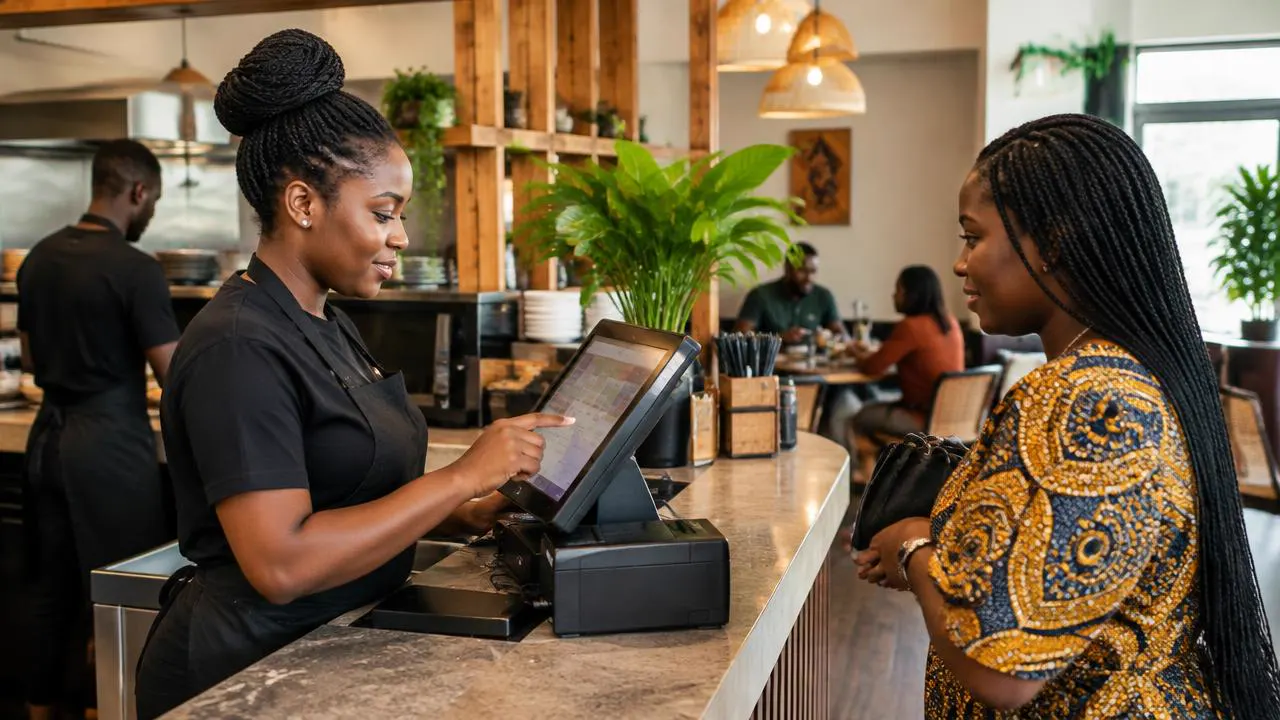
A buyer's guide that evaluates POS systems by workflow, not marketing claims: billing, inventory, staff permissions, reporting, QR ordering, support, integrations, cost and scalability.
By HospitalityScope Editorial Team · · 8 min read
Give small operators a checklist focused on ease of use, cost, offline contingencies, inventory, cashier controls, reporting and support.
By HospitalityScope Editorial TeamMap the modern restaurant's core workflows and identify where software creates visibility: orders, POS, stock, staff, reports, tables, customers and digital channels.
By HospitalityScope Editorial TeamCover standardization, branch permissions, menu consistency, inventory visibility, sales reporting, staff access and local exceptions.
By HospitalityScope Editorial TeamCompare manual billing and POS across speed, errors, inventory, reporting, staff permissions, audit trails, multi-location visibility and cost.
By HospitalityScope Editorial TeamDeals, openings, data and the operators behind them. Free, independent, no noise.